
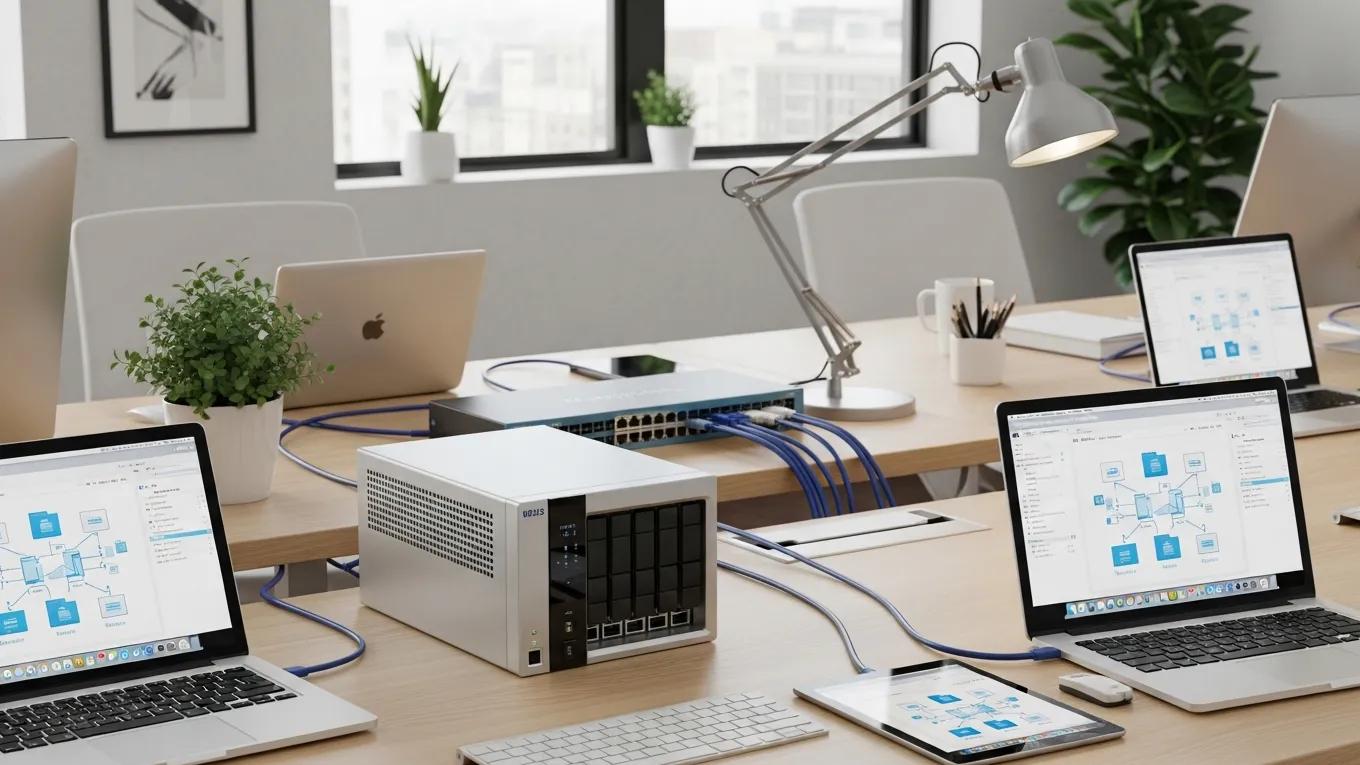
Comprehensive NAS Server Solutions for Small and Medium Businesses: Setup, Security, and Storage Optimization
In the digital age, small and medium businesses (SMBs) face increasing challenges in managing their data efficiently and securely. Network Attached Storage (NAS) solutions have emerged as a vital component of modern IT infrastructure, offering a centralized platform for data storage, backup, and sharing. This article delves into the various aspects of NAS server solutions, including their benefits, deployment strategies, and security measures tailored specifically for SMBs. By understanding how NAS can optimize data management, businesses can enhance their operational efficiency and safeguard their critical information.
This guide will cover the definition and advantages of NAS solutions, effective deployment strategies, the best NAS devices available in 2023, security practices, and how Qnas Solutions supports SMBs with customized NAS services. Each section aims to provide valuable insights that empower SMBs to make informed decisions regarding their data storage needs.
What Are NAS Server Solutions and How Do They Benefit SMBs?
NAS server solutions are dedicated file storage devices that connect to a network, allowing multiple users and devices to access and share data seamlessly. They function by providing a centralized repository for files, which can be accessed over a local area network (LAN) or the internet. This setup not only simplifies data management but also enhances collaboration among team members.
The benefits of NAS for SMBs are significant. Firstly, NAS solutions offer cost-effective data storage compared to traditional server setups. They require less physical space and lower maintenance costs, making them ideal for businesses with limited IT budgets. Secondly, NAS systems provide enhanced data control, allowing businesses to manage their data without relying on third-party cloud services. This control is crucial for maintaining data privacy and compliance with regulations. Lastly, NAS devices often come with built-in redundancy features, ensuring data is backed up and protected against hardware failures.
Understanding Network Attached Storage for Small and Medium Businesses
Network Attached Storage (NAS) is a specialized storage solution designed to provide centralized data access for multiple users. It operates on a network, allowing users to store and retrieve data from a single location. This technology is particularly beneficial for SMBs, as it simplifies data management and enhances collaboration.
NAS systems typically consist of multiple hard drives configured in a RAID (Redundant Array of Independent Disks) setup, which provides data redundancy and improved performance. This configuration ensures that even if one drive fails, the data remains accessible, minimizing downtime and data loss. Additionally, NAS devices can be easily expanded by adding more drives, making them scalable to meet growing business needs.
Key Advantages of NAS Over Cloud Storage for SMB Data Management
When comparing NAS solutions to cloud storage, several key advantages emerge. Firstly, NAS offers greater cost-effectiveness, especially for businesses with large data storage needs. While cloud storage often incurs ongoing subscription fees, NAS requires a one-time investment in hardware, leading to long-term savings.
Secondly, NAS provides enhanced data control. Businesses can manage their data on-site, reducing reliance on third-party providers and minimizing the risk of data breaches. This control is particularly important for SMBs that handle sensitive information and must comply with data protection regulations.
Lastly, NAS systems typically offer superior performance for local file access. Users can access files quickly over the local network, whereas cloud storage may experience latency due to internet connectivity issues. This performance advantage is crucial for businesses that require fast access to large files.
How to Deploy NAS Servers Effectively in SMB IT Infrastructure?

Deploying NAS servers in an SMB environment requires careful planning and execution to ensure optimal performance and reliability. A well-structured deployment process can significantly enhance the benefits of NAS solutions.
Step-by-Step NAS Server Setup Guide for Small Businesses
- Assess Storage Needs: Determine the amount of data to be stored and the number of users who will access the NAS. This assessment will guide the selection of the appropriate NAS model and configuration.
- Choose the Right NAS Device: Select a NAS device that meets your storage capacity, performance, and budget requirements. Consider factors such as the number of drive bays, supported RAID levels, and additional features like backup solutions.
- Install and Configure the NAS: Follow the manufacturer’s instructions to physically install the NAS and connect it to the network. Configure the device settings, including user permissions and shared folders, to ensure secure access.
- Implement Data Backup Solutions: Set up automated backup processes to protect critical data. Many NAS devices offer built-in backup features that can be configured to run at scheduled intervals.
- Test the Setup: After configuration, conduct tests to ensure that users can access the NAS and that data is being backed up correctly. Address any issues before fully deploying the system.
Best Practices for Planning and Installing NAS Solutions in SMBs
- Plan for Scalability: Choose a NAS solution that can grow with your business. Consider future storage needs and select a device that allows for easy expansion.
- Implement Security Measures: Ensure that the NAS is secured with strong passwords and encryption. Regularly update firmware to protect against vulnerabilities.
- Educate Users: Provide training for employees on how to use the NAS effectively. This training should cover file management, access permissions, and data security practices.
- Monitor Performance: Regularly monitor the performance of the NAS to identify any potential issues. Utilize built-in monitoring tools to track usage and health status.
For businesses looking to expand their data infrastructure, understanding the best practices for scaling NAS storage is crucial, especially in high-concurrency environments.
Scaling NAS for SMBs: Deployment & Performance Best Practices
best practices involved in scaling NAS storage for high-concurrency environments. Starting from small SMB-workgroups and extending to large enterprise applications, we detail the architectural considerations, performance tuning strategies, and deployment considerations essential for scaling NAS in high-concurrency environments.
Scaling NAS Storage for High-Concurrency Environments: From SMB Workgroups to Enterprise Applications, 2024
What Are the Best NAS Devices for SMBs in 2023?
As technology evolves, so do the options available for NAS devices. In 2023, several models stand out for their performance, features, and suitability for SMBs.
Top NAS Hardware Brands and Models Tailored for Small and Medium Businesses
Leading brands in the NAS market include Synology, QNAP, and Western Digital. Each offers a range of models designed to meet the diverse needs of SMBs. For instance, Synology’s DiskStation series is known for its user-friendly interface and robust software ecosystem, making it an excellent choice for businesses seeking ease of use.
Comparing NAS Device Features: Capacity, Scalability, and Performance
These features are critical in ensuring that the NAS solution can effectively support the business’s data management needs.
How to Ensure NAS Security and Data Backup Best Practices for SMBs?

Security and data backup are paramount for any SMB utilizing NAS solutions. Implementing robust security measures and effective backup strategies can safeguard sensitive information and ensure business continuity.
Implementing NAS Security Protocols: Encryption and Firewall Strategies
- Encryption: Use encryption to protect data both at rest and in transit. This ensures that even if data is intercepted, it remains unreadable without the proper decryption keys.
- Firewalls: Configure firewalls to restrict access to the NAS from unauthorized users. This adds an additional layer of security against external threats.
- Regular Updates: Keep the NAS firmware and software up to date to protect against vulnerabilities and exploits.
Further emphasizing the importance of robust security, research highlights how modern NAS systems integrate advanced features like data deduplication and encryption, alongside support for various file-based protocols.
NAS for SMBs: Protocols, Deduplication & Encryption
This article explores the strategic role of NAS in modern enterprise file storage, detailing how it provides scalable, high-performance data access through support for multiple file-based protocols—NFS for UNIX/Linux clients and SMB/CIFS for Windows clients—to NAS systems offering built-in data deduplication, encryption, and compression capabilities.
Modernizing Enterprise File Storage: Leveraging NAS for Scalable, High-Performance Data Access, 2020
Despite the availability of encryption features, studies reveal that many NAS devices still face challenges with SMB protocol encryption, underscoring the need for careful configuration and vigilance.
NAS Security & Privacy: SMB Protocol Encryption Issues
To evaluate the security of each NAS, we use the client to check if the SMB protocol is enabled and if the traffic against declarations in privacy policies to detect privacy issues. As shown in Table VIII, all NAS devices except D6 and D12 do not encrypt the SMB traffic.
NASchecker: Automatically Identifying the Performance, Security, and
Privacy Issues of NAS Devices, L Yu, 2026
Effective Data Backup Methods and Frequency for SMB NAS Solutions
- Automated Backups: Schedule automated backups to run at regular intervals, ensuring that data is consistently protected without manual intervention.
- Offsite Backups: Store backups in a separate location or use cloud-based solutions to protect against physical disasters that could affect the NAS.
- Backup Testing: Regularly test backup processes to ensure that data can be restored quickly and accurately in the event of a failure.
What Are Enterprise File Sharing Solutions Using NAS for SMBs?
NAS solutions also facilitate enterprise-level file sharing, enhancing collaboration and productivity within SMBs.
Centralized File Sharing Benefits and NAS Integration in SMB Environments
Centralized file sharing through NAS provides several benefits:
- Improved Collaboration: Teams can access and share files easily, fostering collaboration and efficiency.
- Version Control: Many NAS systems offer version control features, allowing users to track changes and revert to previous file versions if needed.
- Access Control: Administrators can set permissions to control who can access specific files or folders, enhancing data security.
Optimizing NAS for Secure and Efficient Enterprise-Level File Sharing
- User Management: Implement user roles and permissions to ensure that only authorized personnel can access sensitive data.
- Network Configuration: Optimize network settings to ensure fast and reliable access to the NAS, minimizing latency and downtime.
- Regular Audits: Conduct regular audits of file access and sharing practices to identify potential security risks and compliance issues.
How Does Qnas Solutions Support SMBs with Customized NAS Services?
Qnas Solutions specializes in providing tailored NAS server solutions for small and medium businesses, ensuring that each client receives the support they need to optimize their data management.
Expert NAS Deployment Consulting and Ongoing Technical Support
Qnas Solutions offers expert consulting services to help SMBs select and deploy the right NAS solutions for their specific needs. Their team provides ongoing technical support, ensuring that businesses can effectively manage their NAS systems and address any issues that arise.
Case Studies: Successful NAS Implementations for Small and Medium Businesses
Qnas Solutions has successfully implemented NAS solutions for various SMBs, demonstrating the effectiveness of their approach. For example, a recent case study highlighted how a local marketing agency improved its data management and collaboration by integrating a NAS system, resulting in increased productivity.